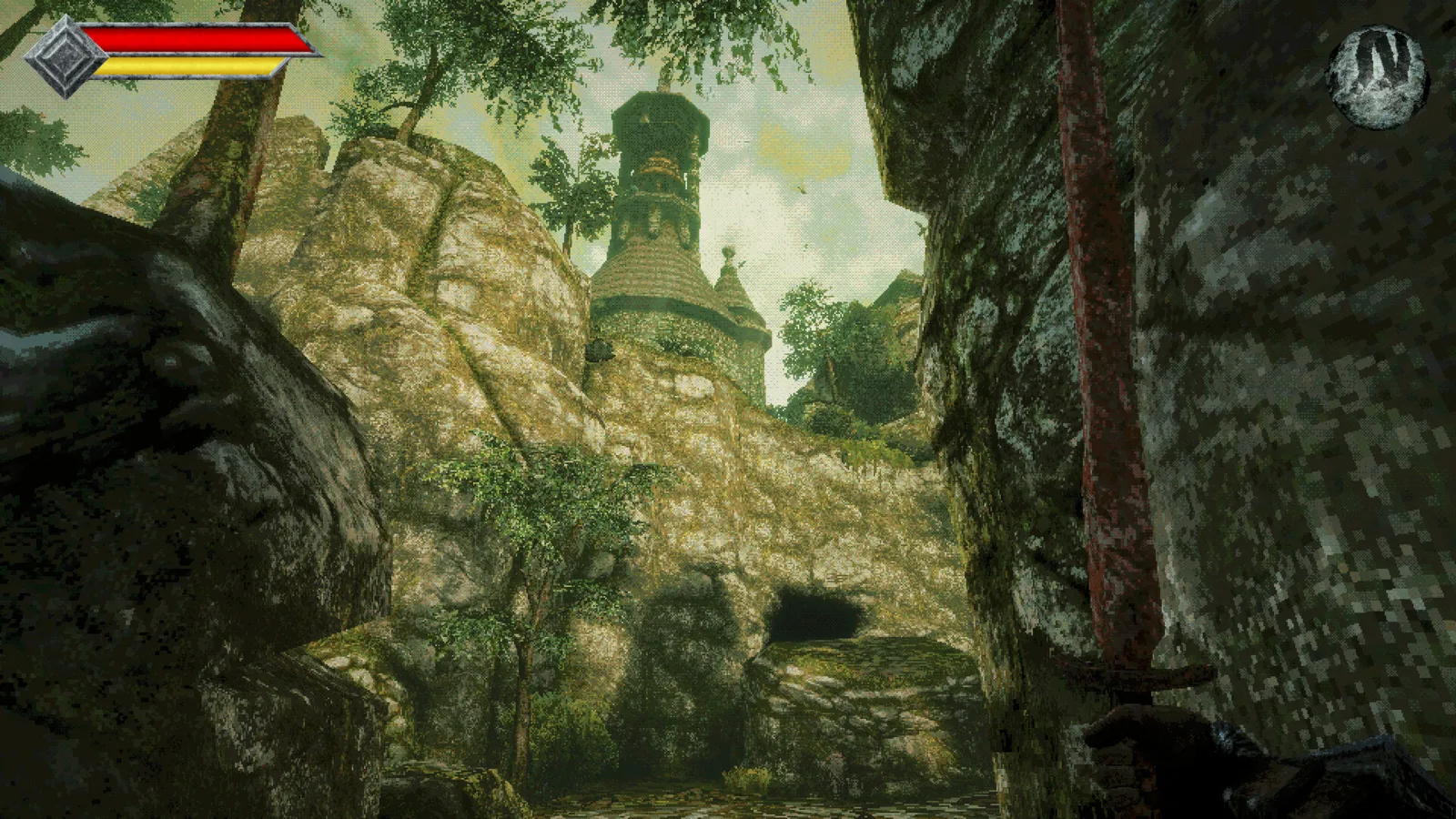
Save manually at a Crystal Monument in Queen’s Domain. Interact with the monument and choose Save; do not rely on entering a new room or collecting an item to create a checkpoint. Rest is a separate choice that heals you and respawns enemies.
Find and use a monument
The opening route leads from the knights’ camp through the breakable barricade to the first Crystal Monument. Treat it as a home point while learning the coast and the Crypt. Returning here after a difficult pickup is often less work than repeating an entire unsaved expedition.
Interact with the monument, select the save option and confirm the save operation in the game. Before leaving, make sure you completed that choice rather than only opening and closing the menu. A monument’s location is useful, but discovering it is not a substitute for using its save function.
Save and Rest do different jobs
| Monument action | Why you use it | What to watch for |
|---|---|---|
| Save | Record your current progress | Complete the save choice instead of assuming a checkpoint |
| Rest | Restore health and clear negative status effects | Previously defeated regular enemies can return |
If you only need to preserve a pickup, choose the appropriate save action instead of automatically resting. If you need healing as well, account for the changed enemy situation on the way back out. This is especially important when a narrow corridor was safe only because you had just cleared it.
When to make a return trip
Save after collecting the Endu Shrine Gate Key and before attempting the Shrine Guardian. Save again after taking Endu and any optional reward you want to keep. The same habit is useful after a Wind Gem or hidden weapon pickup.
These are practical checkpoints to choose, not claims that the game automatically saves at those events. If a route offers a shortcut or elevator back toward a known monument, use it to bank progress before trying a new one-way drop or a jump you have not practiced.
Why enemies are back
Resting repopulates ordinary enemies, and published gameplay guides also describe enemies returning after time passes. A cleared route should not be treated as permanently safe. Look down a corridor before sprinting through it with low health or while concentrating on a difficult jump.
That does not make resting a mistake. It is a trade between recovery and another fight through familiar ground. Decide which you need, then leave the monument expecting enemies rather than being surprised when a previous group has returned.
Before quitting or testing a jump
Use a monument to record the progress you want to keep before ending a session. Avoid using an uncertain exit or a reload as an experiment when you have a valuable unsaved pickup. This guide does not claim that every platform handles suspend, cloud synchronization or interrupted sessions in the same way.
For a difficult crossing, let dash charges recover and begin from a route you recognize. The first three Wind Gems guide explains which early gaps expect another charge. If the movement requirement is missing, saving protects the attempt but will not make the jump possible.
Sources and scope
Reviewed November 5, 2026. Manual saving, equipment basics and Rest behavior are compared between IndieTome’s getting-started reference and GGG Wiki’s gameplay mechanics guide, with the distinction between Save and Rest checked against 9Puz’s opening route. Platform cloud-save recovery is outside this PC gameplay guide.